Guide
Manual Stitching vs Automatic Stitching: Which Should You Use?
Use automatic stitching for speed and manual ordering when screenshots need exact control.
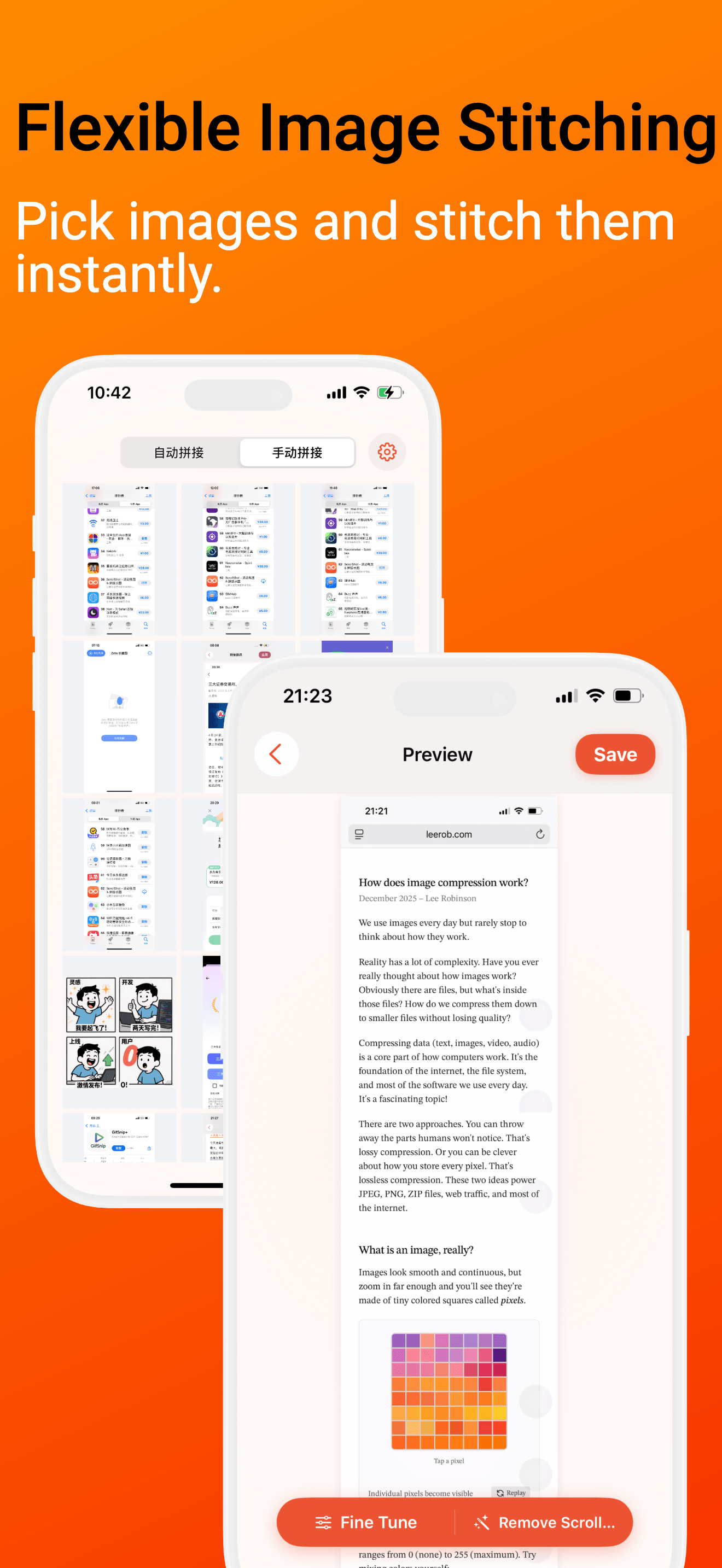
ScrollShot supports two capture styles because long screenshots are not all the same. Some pages are easy to record and stitch automatically. Others need precise ordering and a little more control.
Use automatic stitching when speed matters
Automatic stitching works best when the content scrolls in one direction and has enough repeated visual structure for overlap matching.
Good examples include:
- Product pages and documentation
- Long articles
- Settings screens
- Support threads with predictable spacing
The advantage is speed. You record once, choose the video, and let ScrollShot build the long image.
Use manual stitching when order matters
Manual stitching is better when you already have screenshots or when the page has partial overlap, dynamic content, or mixed sources.
Pick the images in the exact order you want. The first image becomes the top of the final long screenshot. This makes manual stitching useful for transaction records, chat fragments, step-by-step tutorials, and screenshots collected over time.
Use fine tuning as the final pass
The cleanest results often come from combining both ideas: automatic stitching for the heavy work, then fine tuning for the final check.
If a seam looks slightly off, adjust it before saving. If the right-side scrollbar leaves a trace, clean it before sharing.